HR that
works your way.
A configurable workforce platform connecting people, time, work, performance and payroll in one system. Built around your policies — not the other way around.
More than an HRMS.
A connected workforce platform.
ZapHRMS connects the pieces most HR tools keep separate — so people, time, work and payroll stay in sync.
Employee records, onboarding, documents and self-service.
- Employee Management
- Onboarding
- Documents
Attendance, leave, shifts, overtime and timesheets.
- Attendance
- Leave
- Timesheets
Projects, tasks and the time spent on real work.
- Projects
- Tasks
- Project Timesheets
Goals, appraisals, feedback and ratings.
- Goals & KRA
- Appraisals
- Reviews
Structures, pay runs, payslips and statutory.
- Pay Groups
- Pay Runs
- Payslips
Inventory, assignment, transfer and returns.
- Assignment
- Transfer
- History
Announcements, notifications and engagement.
- Announcements
- Notifications
- Pulse
From joining to exit,
everything stays connected.
Select a stage to see the actual product screen behind it. No illustrations — only ZapHRMS UI.
Every stage writes to the same employee record — attendance, leave, projects, payroll and assets don’t need re-entry.
Approvals, notifications and documents trigger automatically as the employee moves through the lifecycle.
Your HRMS doesn't
have to look like
everyone else's.
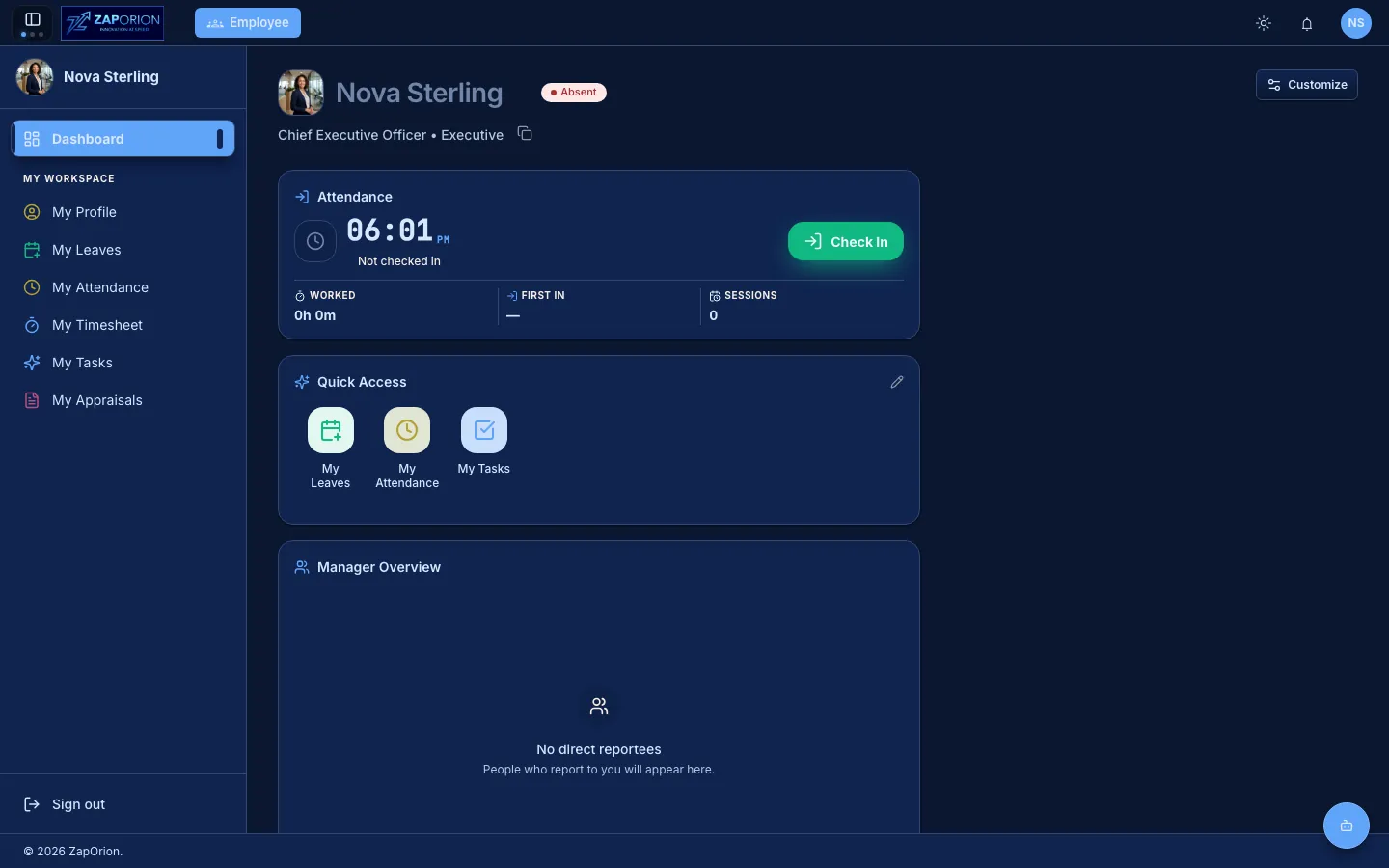
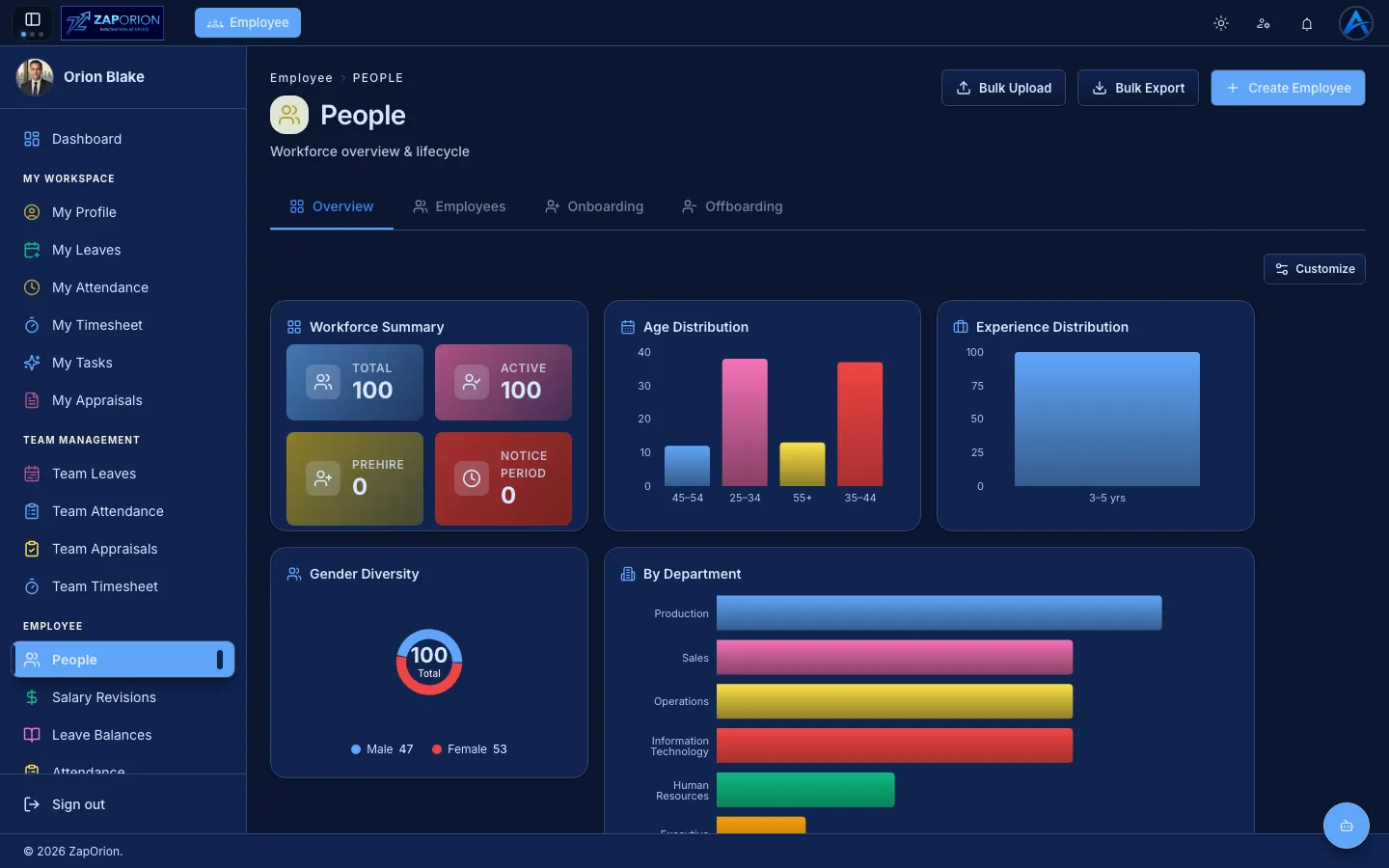
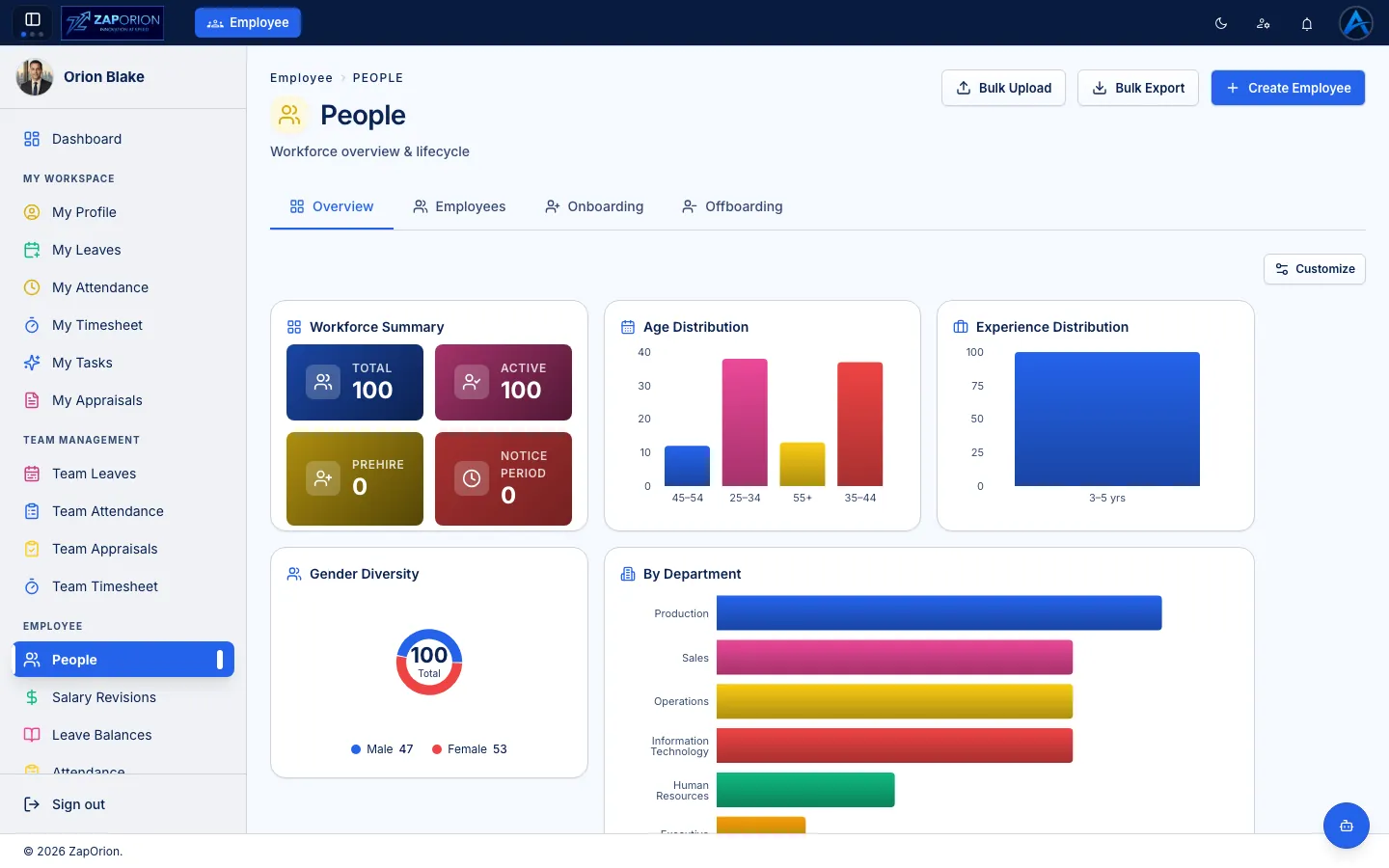
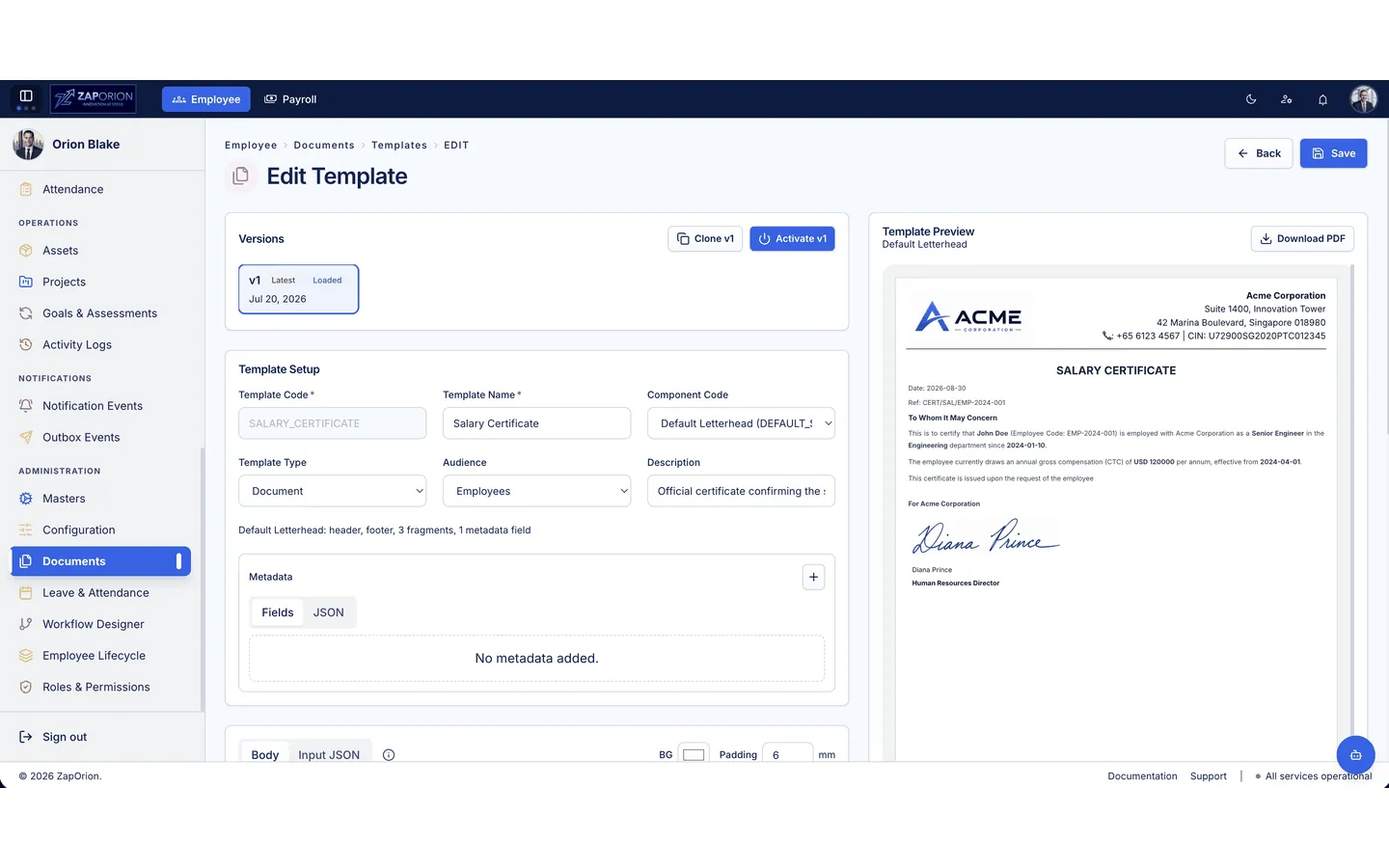
Light, dark and transparent glass modes. 14 palettes and customizable backgrounds — live, not a mockup. The screenshots change as you toggle themes and modes — real /employee/profile in every palette.
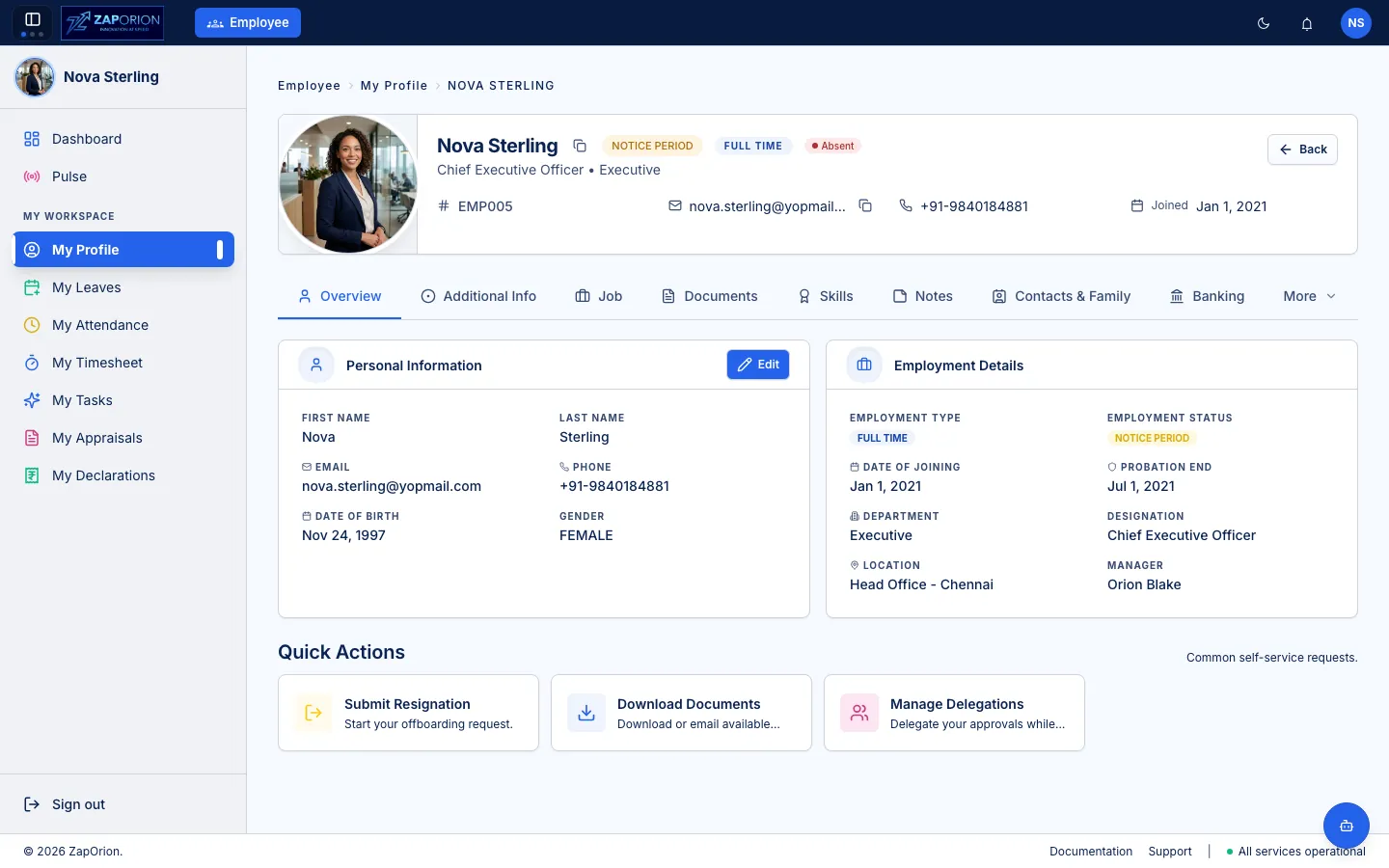
Try Light → Dark → Glass, then each palette dot. Every image is the real /employee/profile — Nova Sterling — captured in that theme & mode.
Built around
your business.
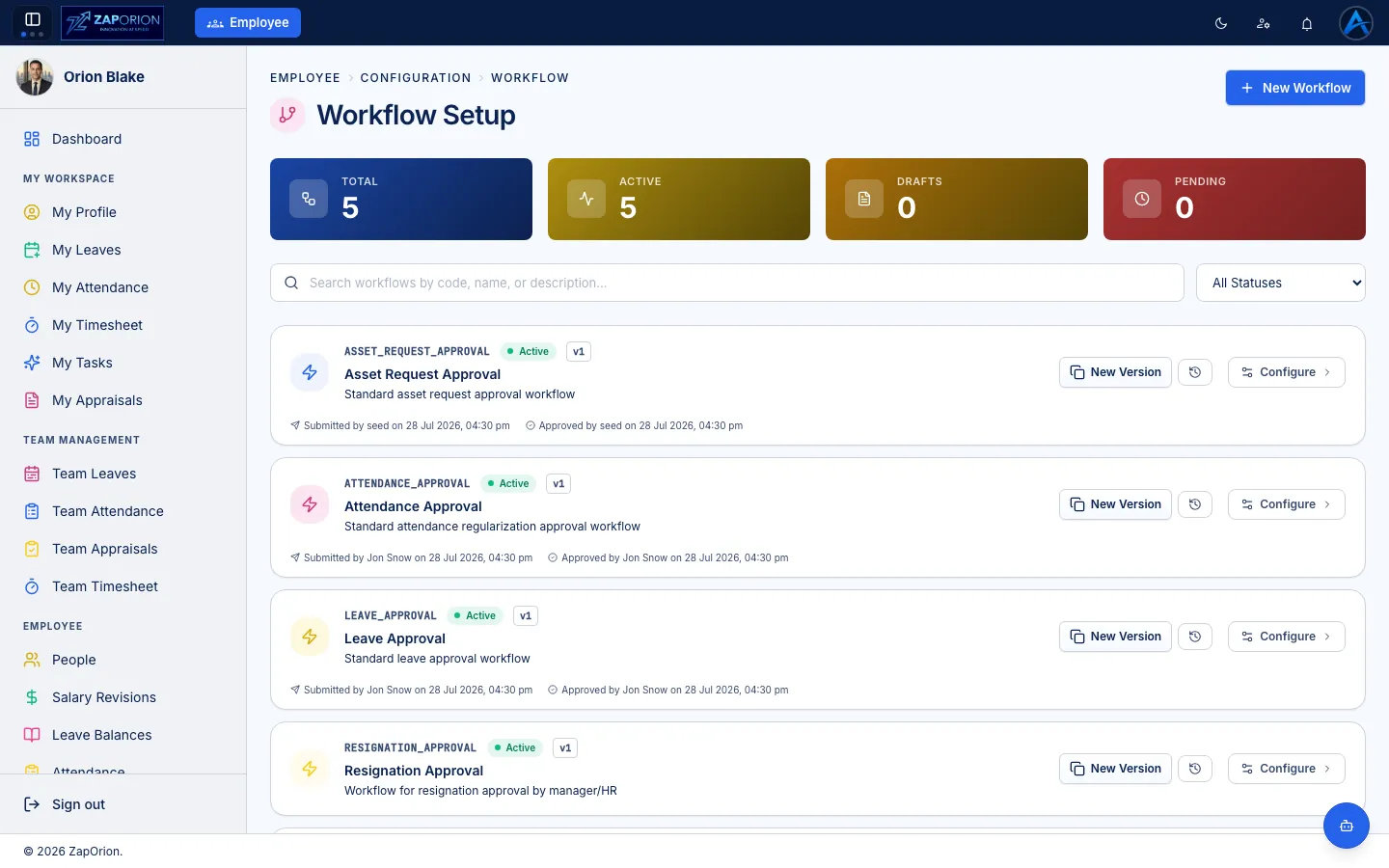
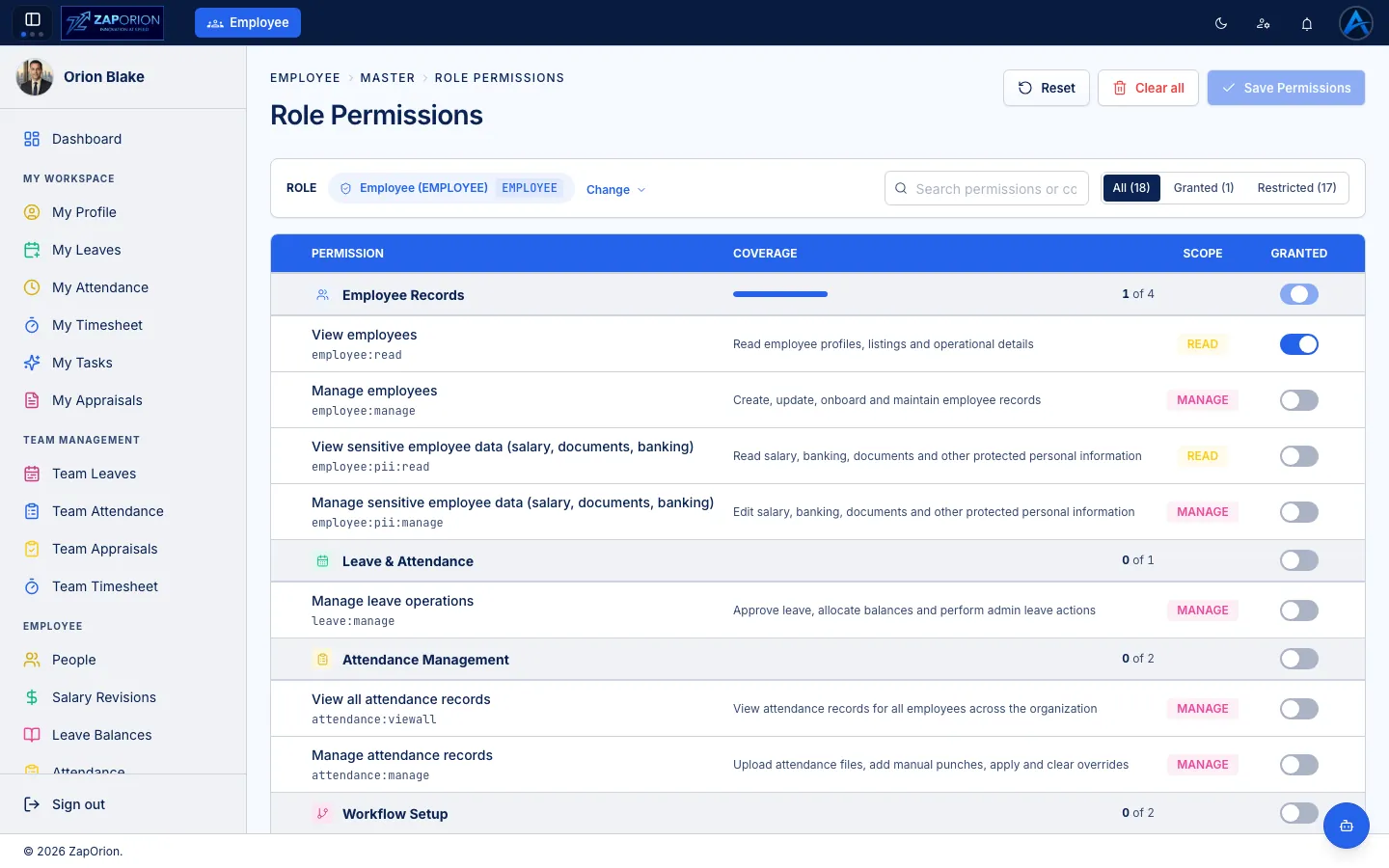
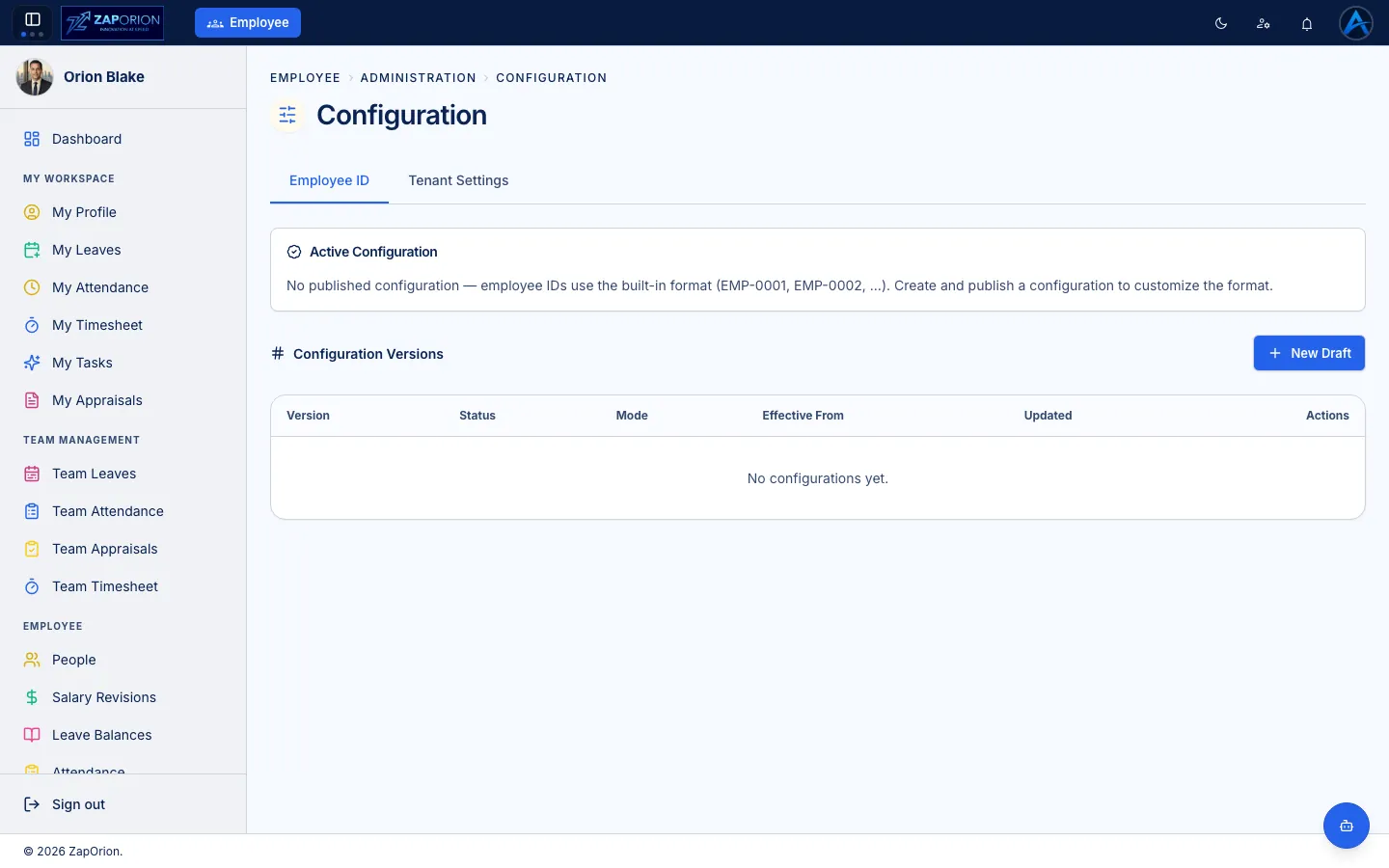
Configure ZapHRMS around your policies, workflows, permissions and processes — with screens built for actual administration, not demos.
Visual builder for approvals and lifecycle transitions. Real states, triggers and rules.
Define onboarding, probation and exit journeys per role and location.
Attendance, leave types, balances and statutory mappings in one place.
Only capabilities that are actually implemented are shown. No conceptual diagrams.
One platform.
Different experiences.
The same data, shaped for the person using it. Switch roles to see the product change.
Everything I need to manage my work.
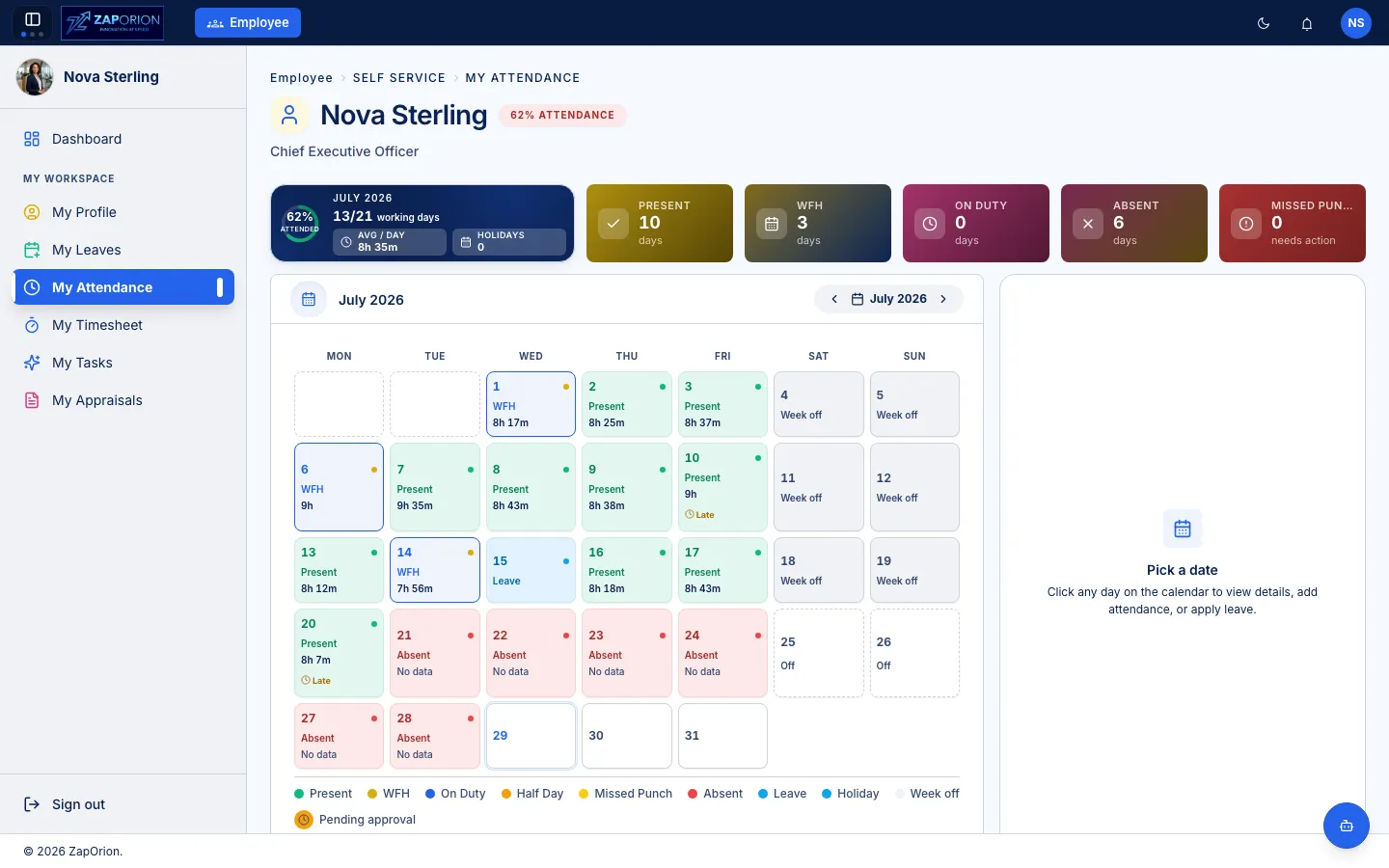
Dashboard, attendance, leave, timesheet, payslip, documents and performance — for the employee, without the admin noise.
- 01Dashboard — personal overview
- 02My Attendance — check-ins, corrections
- 03My Tasks — View and Approve pending items
Hint: Employee view hides payroll administration and focuses on self-service.
Make every
new beginning
easier.
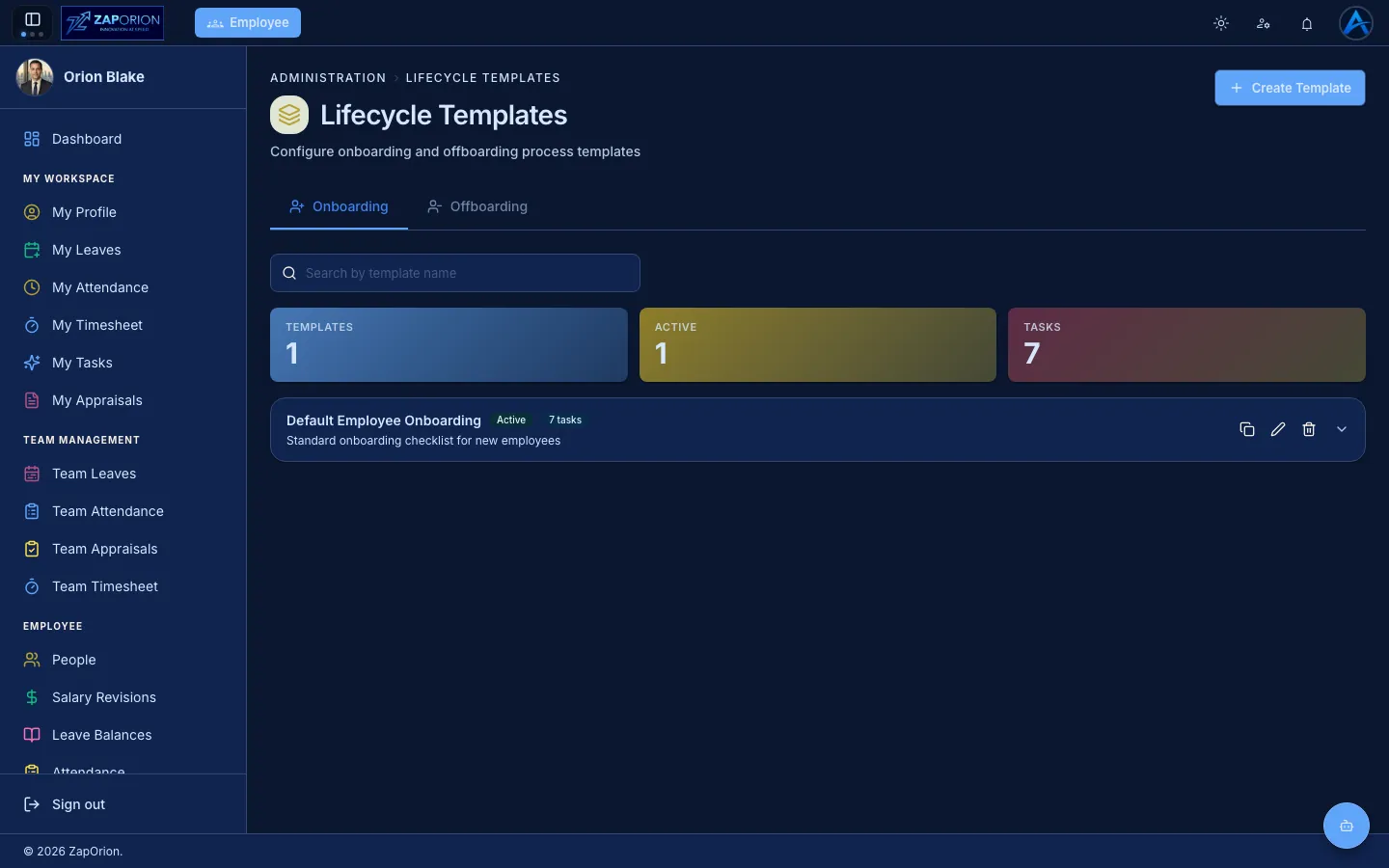
From employee record to onboarding, documents, tasks and assets — until the person is ready to work. The video is the real module.
OnBoardingModule.mp4 — embedded, not a generic player skin
Screenshot: lifecycle-templates.webp
Connect people
to the work
they do.
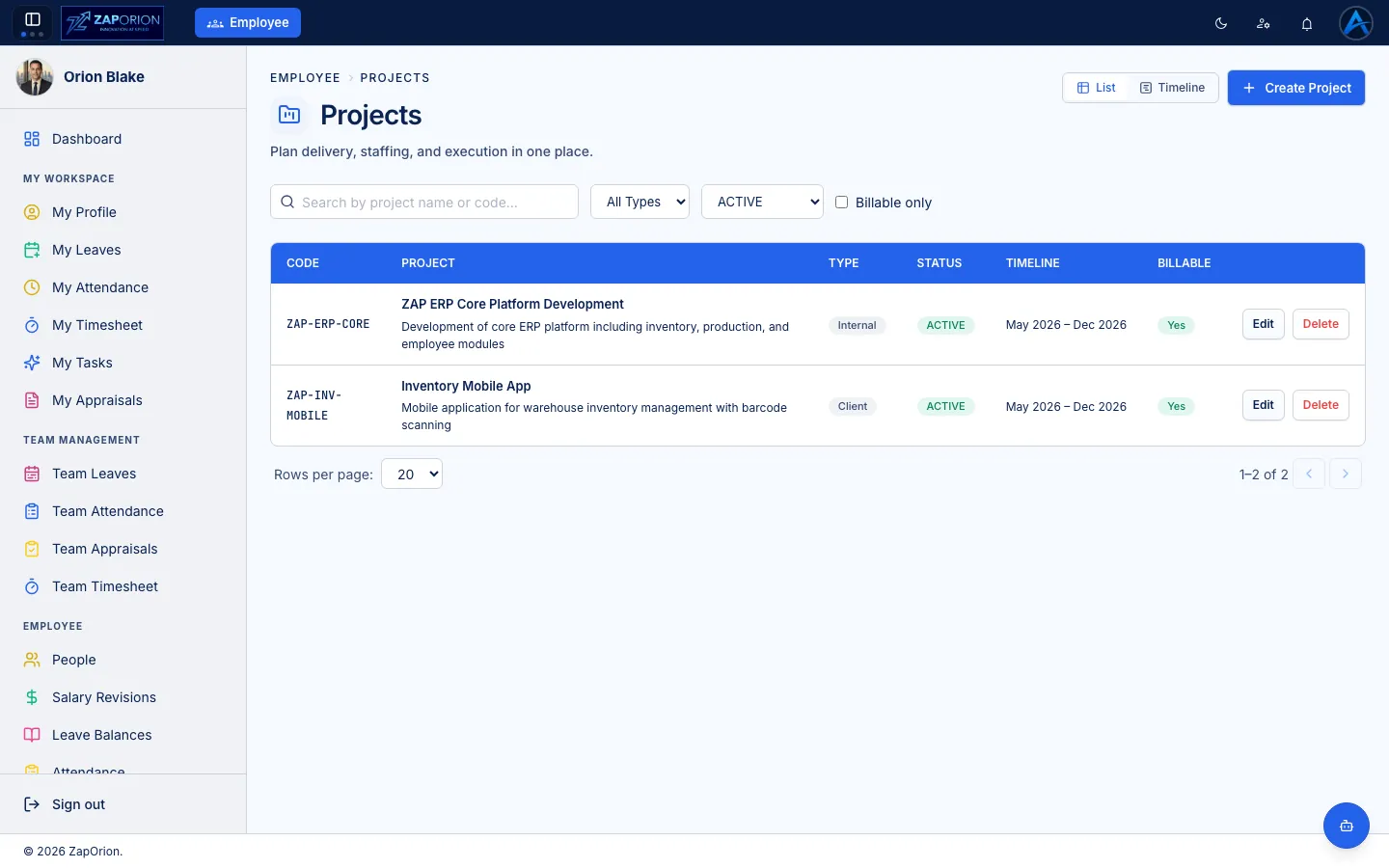
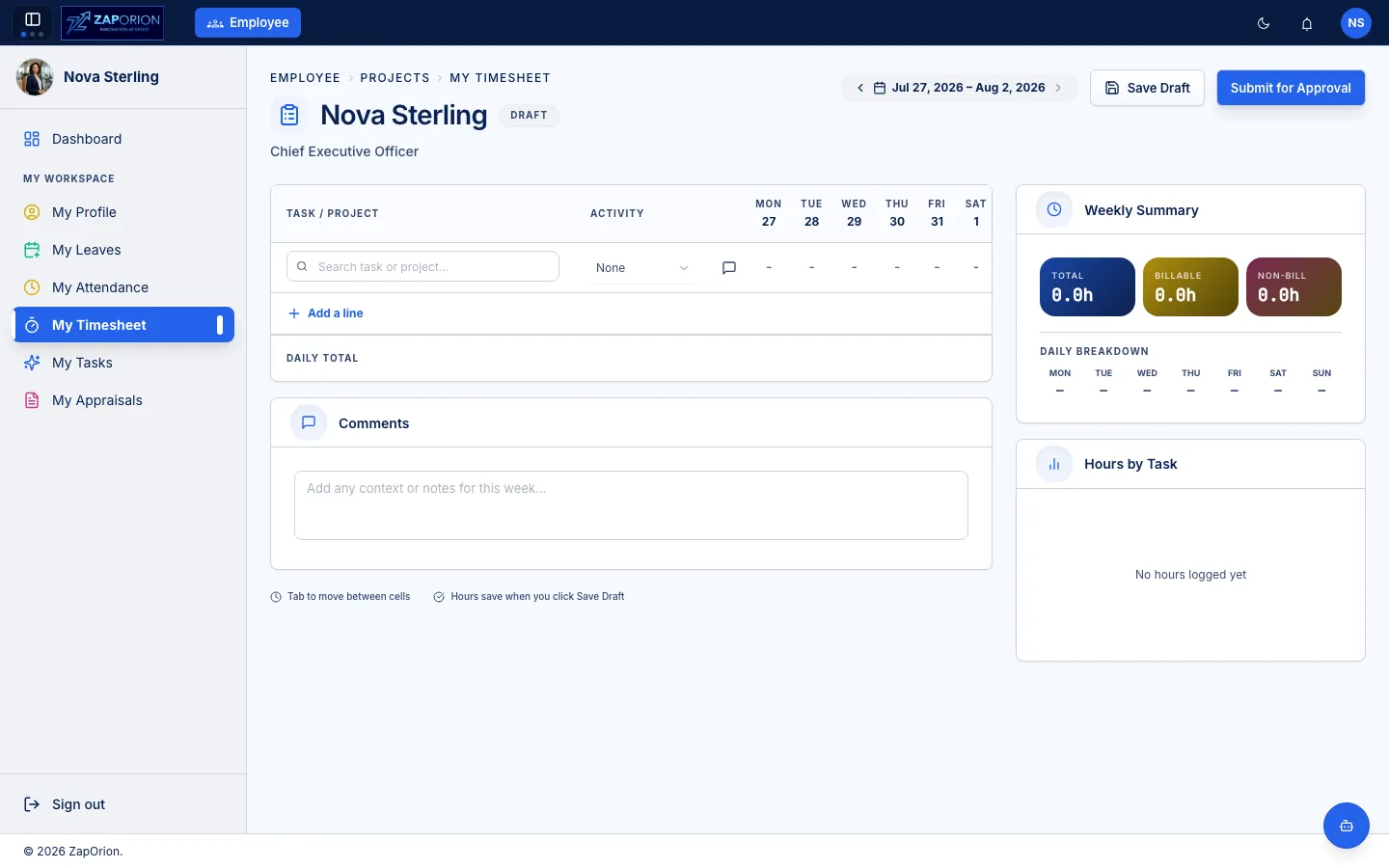
Go beyond employee records. Connect people with projects, tasks and the time they spend on work — then reconcile it with attendance.
Real projects board — not a concept.
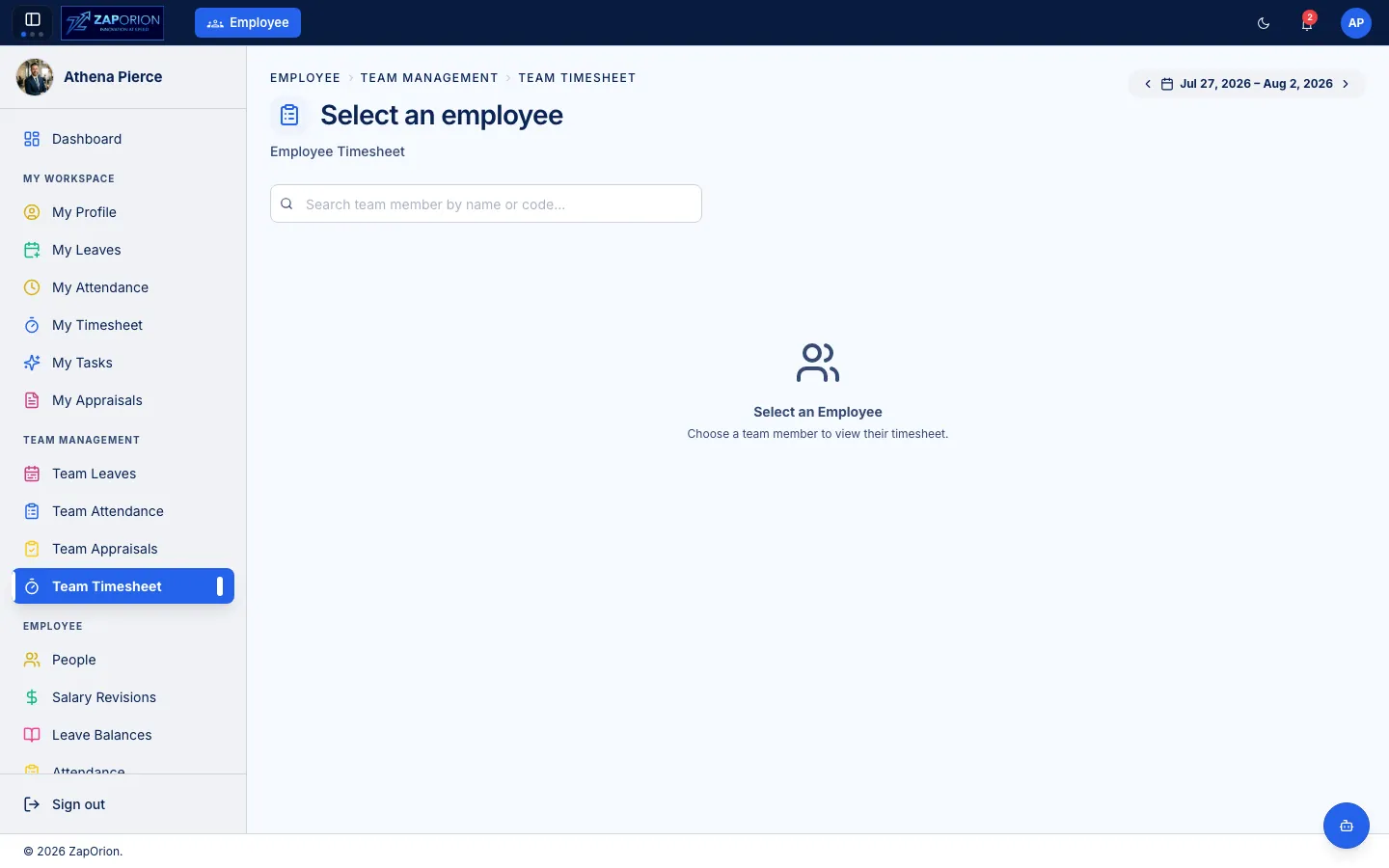
My timesheet + Team approvals.
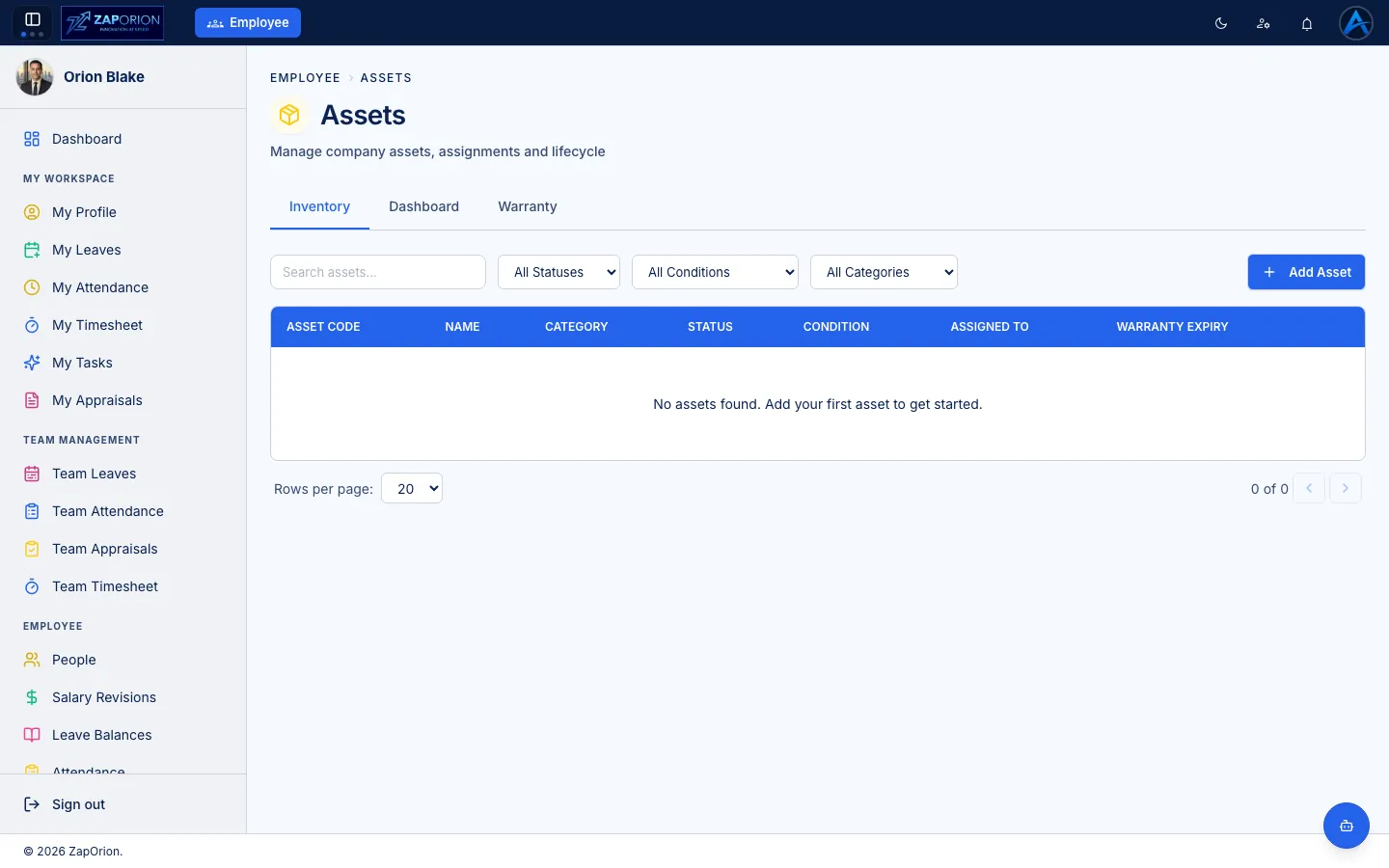
Asset_management.mp4 — real asset flow
Know what your
organization owns
— and who has it.
Create once.
Generate whenever
you need it.
Not storage alone. Design reusable templates and generate employee documents from HR data — offer letters, confirmations and more.
Designer with placeholders for employee data
Live HR records as source
One-click per employee or bulk
Download & controlled access
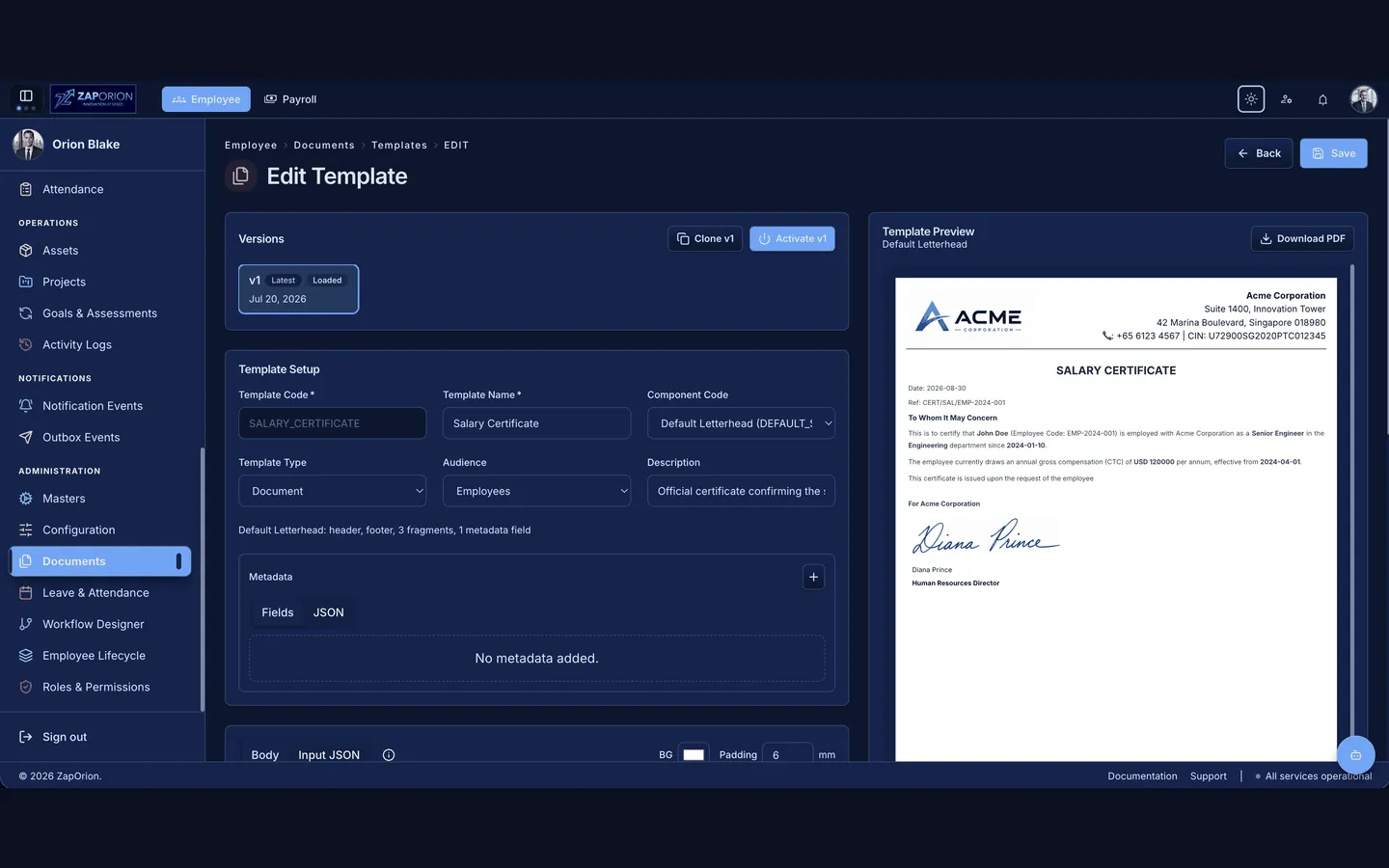
The system connects templates to the employee record. Change data once, regenerate correctly — audit-friendly.
Payroll connected
to your workforce.
Build salary structures, process payroll, manage adjustments and deductions, generate payslips and handle exits — all from connected workforce data.
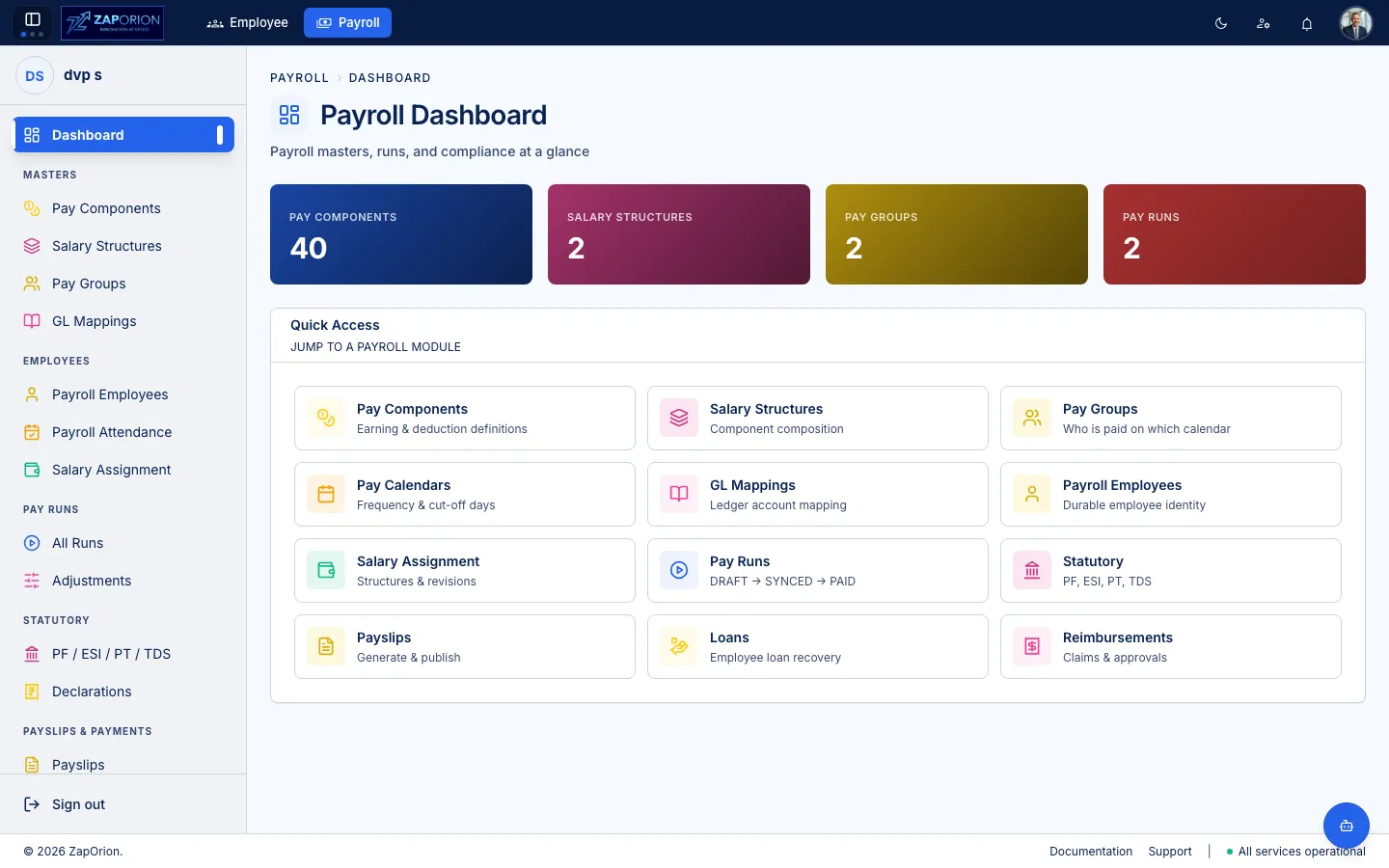
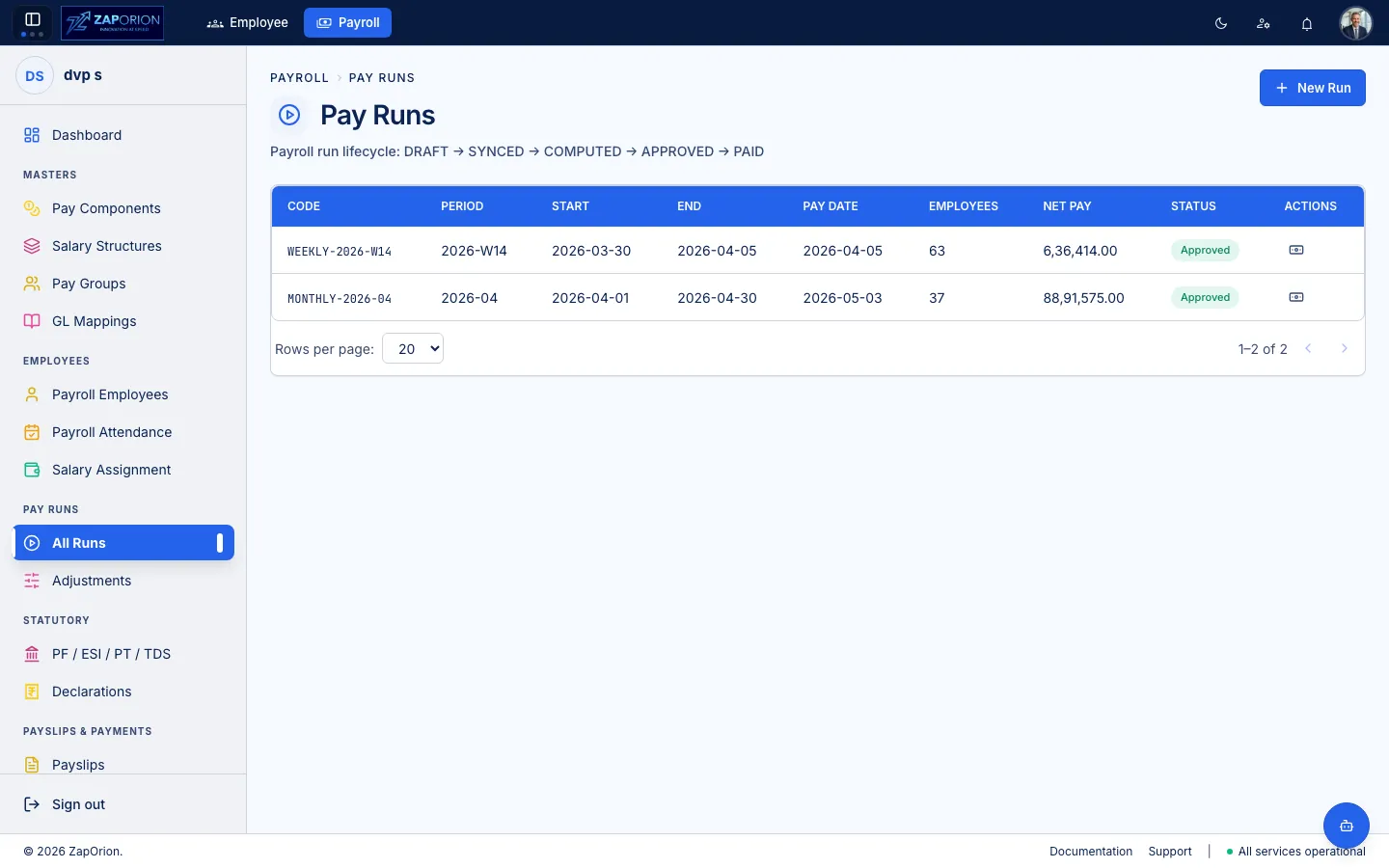
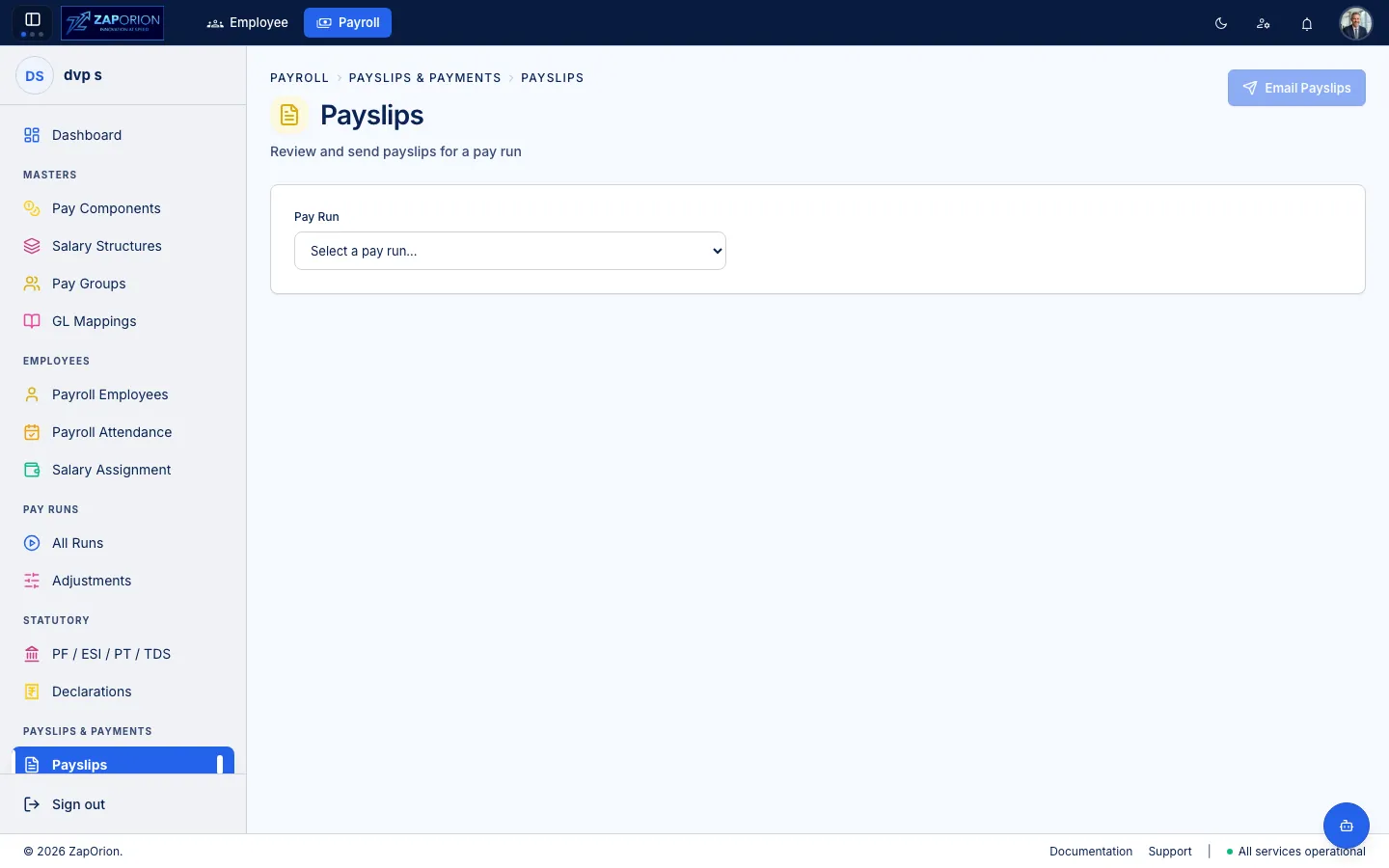
Pay components, groups and assignments — the foundation.
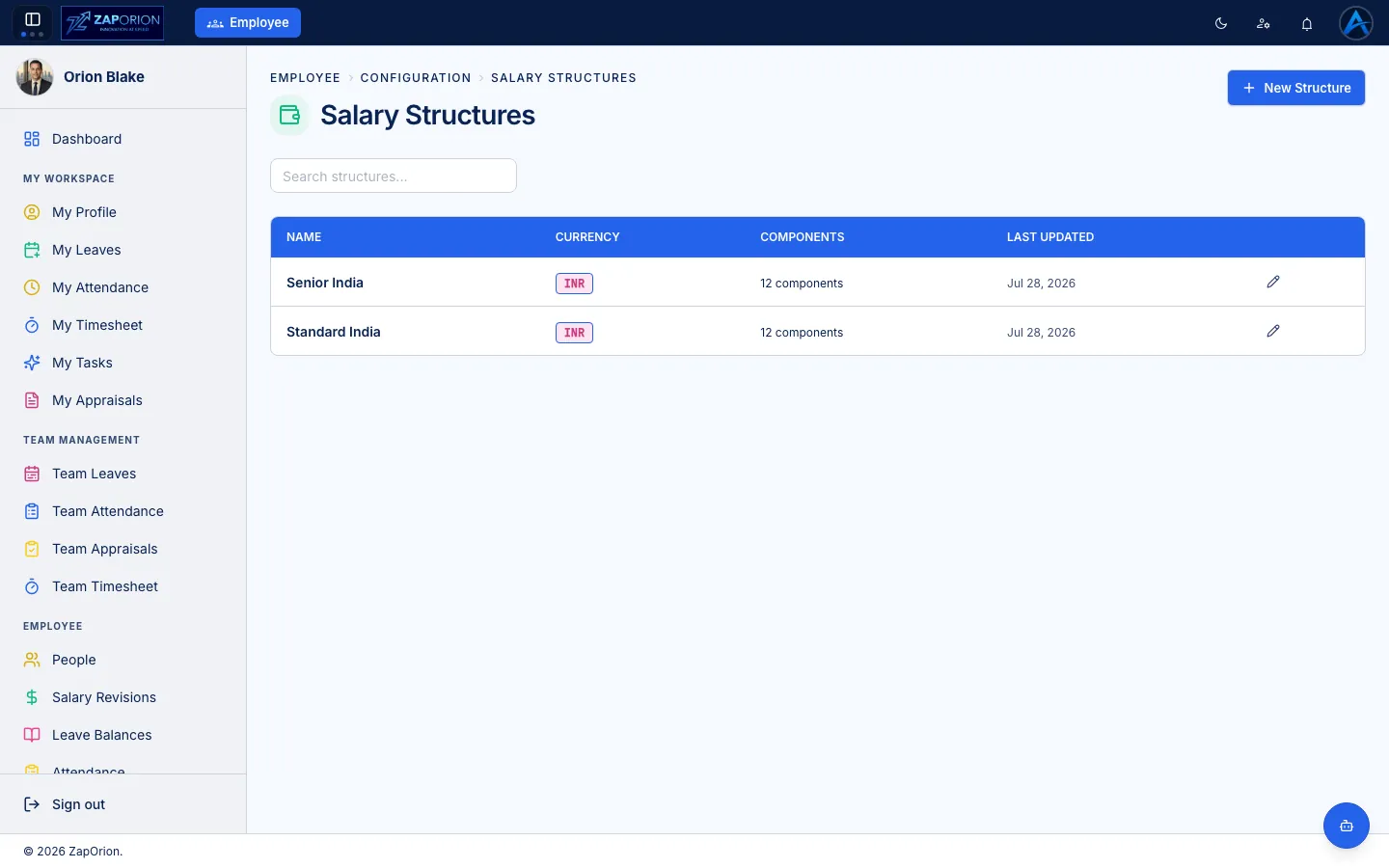
Earnings, deductions, statutory mappings.
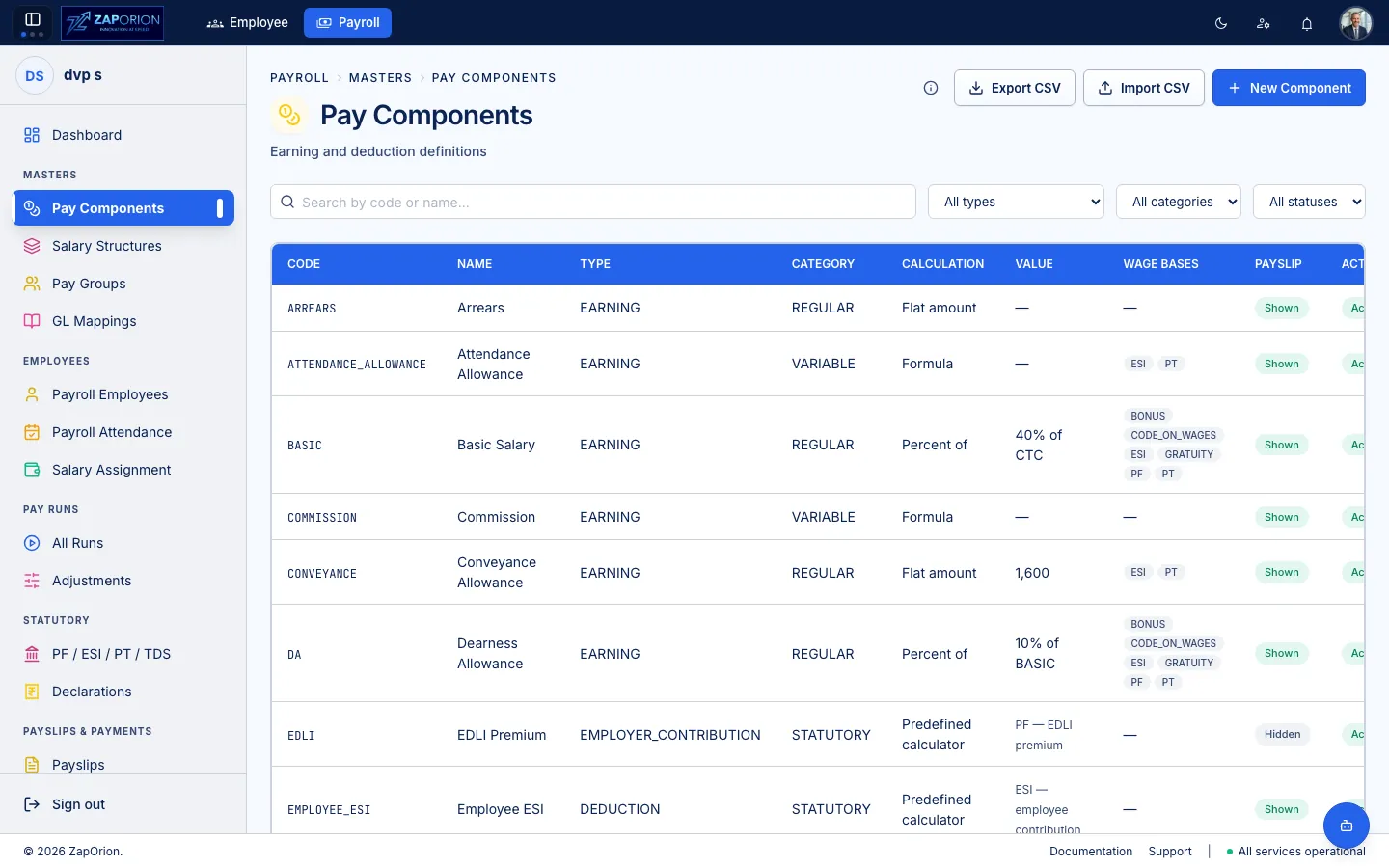
Compliance-ready structures with declarations.
Adjustments that flow into the pay run and audit log.
Payroll Activity / Audit logs are real — see screenshots: payroll-activity-logs.webp
Keep your
people connected.
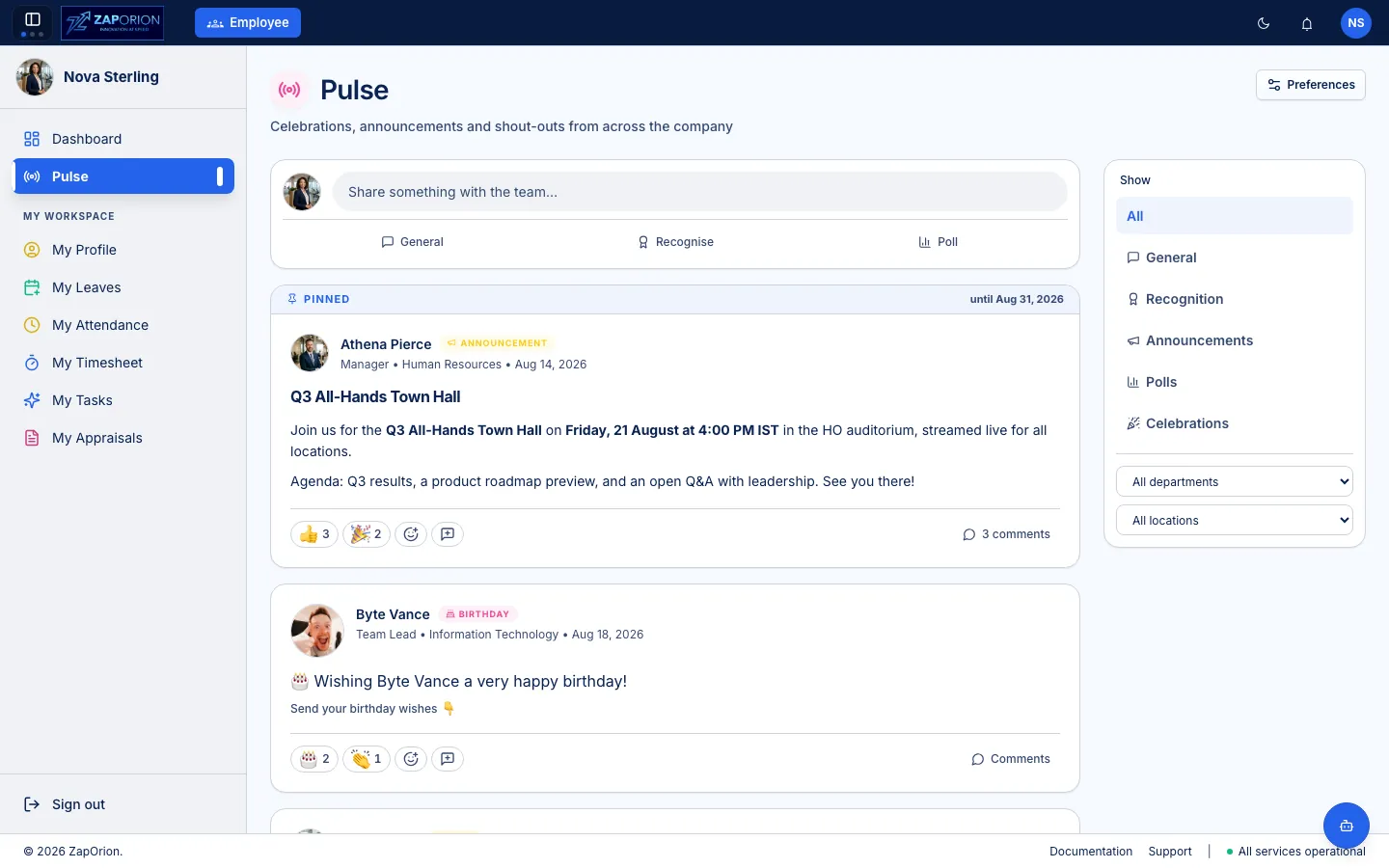
Announcements, notifications and pulse — for the information that keeps an organization aligned.
Check the share of voice across teams — screenshot: pulse.webp
Org-wide communication with targeted delivery.
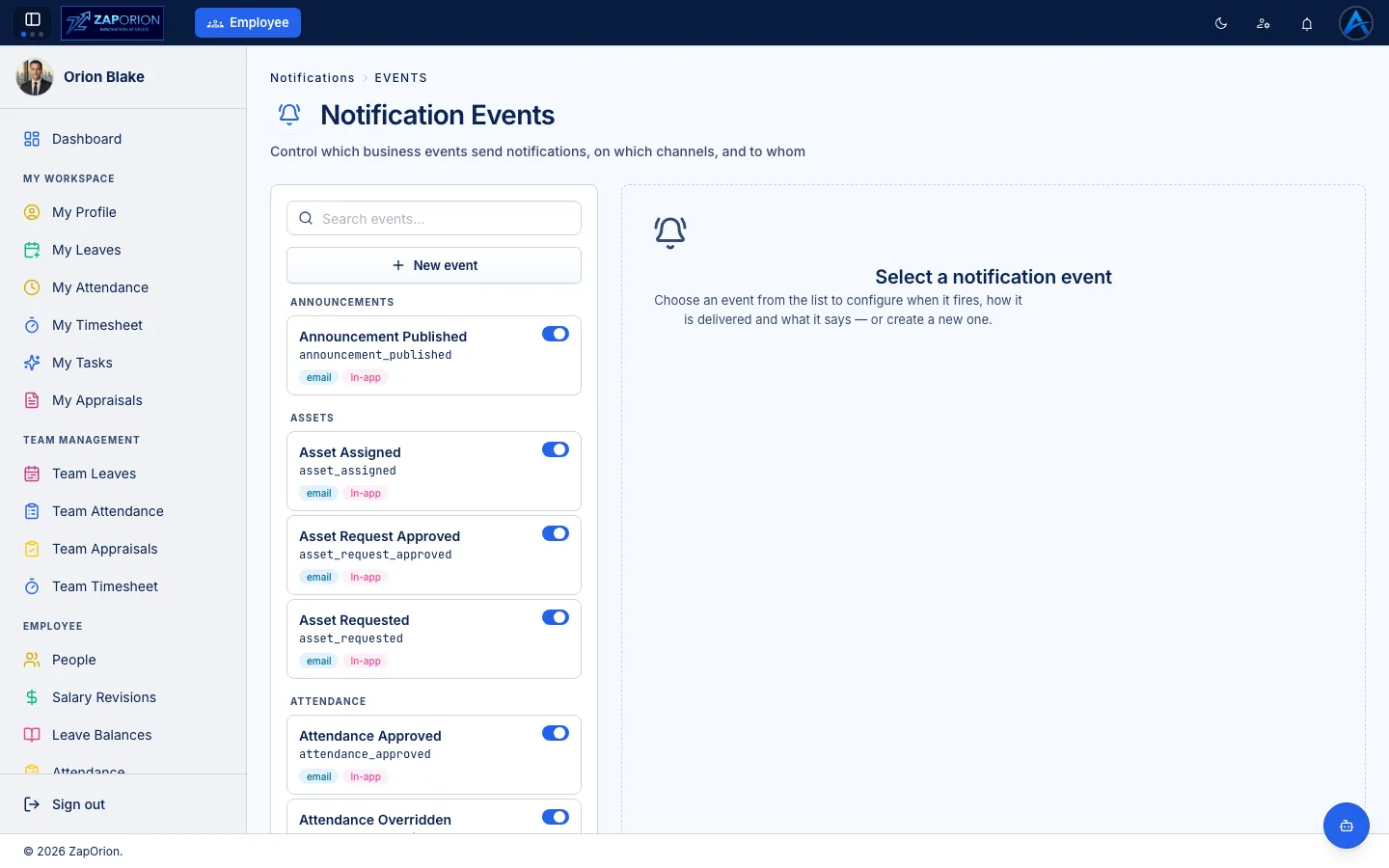
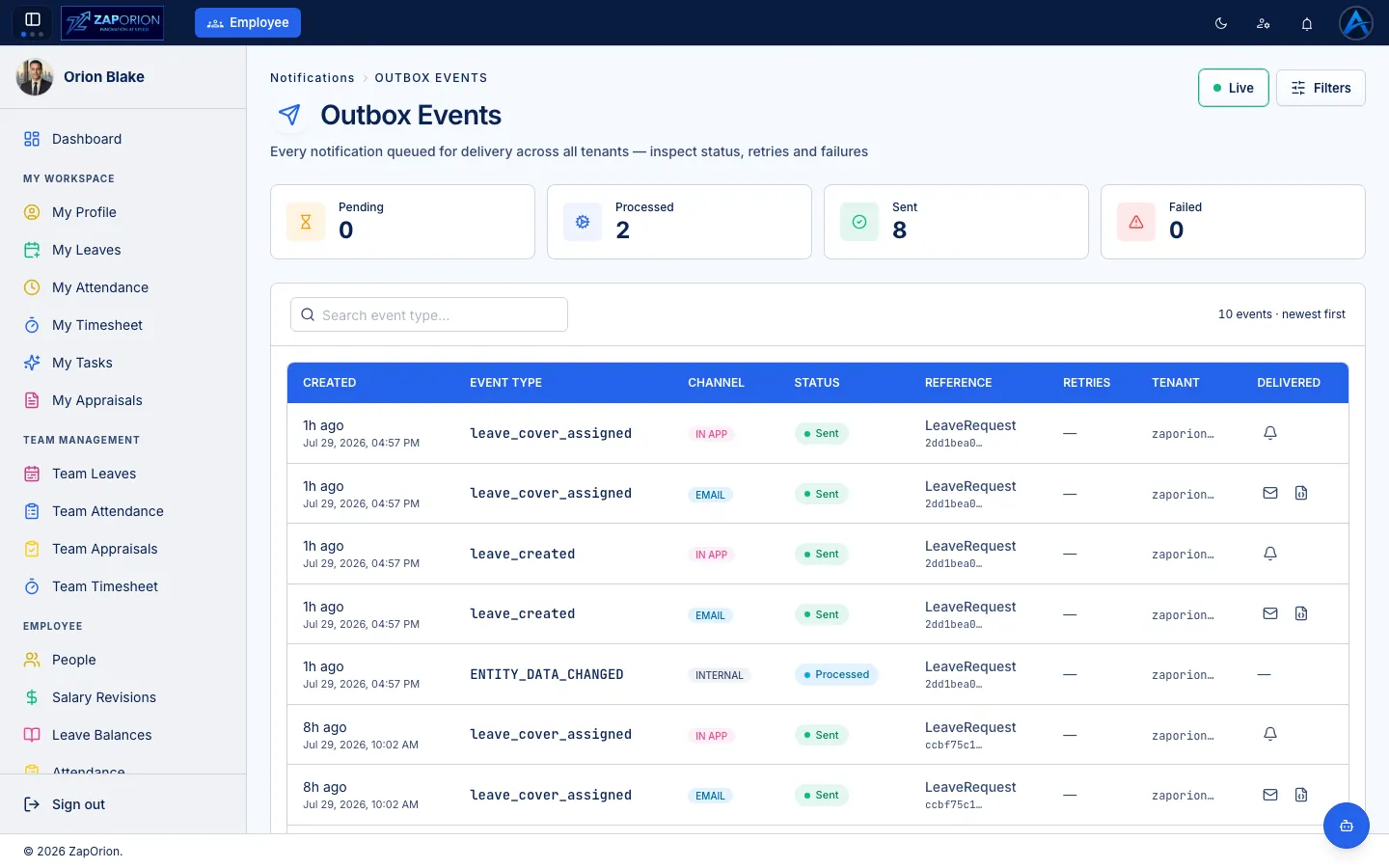
Events, channels and delivery status — notification-events.webp, outbox-events.webp
Ask your HRMS.
Zap Assistant brings your HRMS closer to conversation — helping users find and work with workforce information more naturally. AI that works with your HRMS, not for the sake of AI.
Examples show only capabilities actually supported. No buzzword claims.
Security built
into the platform.
Access is controlled through authentication, roles and permissions — with data protected through layered platform controls. Only implemented controls are listed.
Secure login and session controls — login.webp is the real screen.
Roles and fine-grained permissions — role-permissions.webp.
Module and field-level permissions — payroll-role-permissions.webp.
Data isolation per organization by architecture.
Activity logs and payroll activity logs for traceability.
Backups and encrypted communication between client and platform.
Build HR around
the way your
organization works.
See how ZapHRMS can fit your people, processes and payroll. A short walkthrough with your workflows — using your data examples.
We’ll respond from [email protected] • Replace with your scheduling link when ready